

Team settings
In the app: sidebar → Team → Settings (app.orvind.com/org/settings). Admins only.
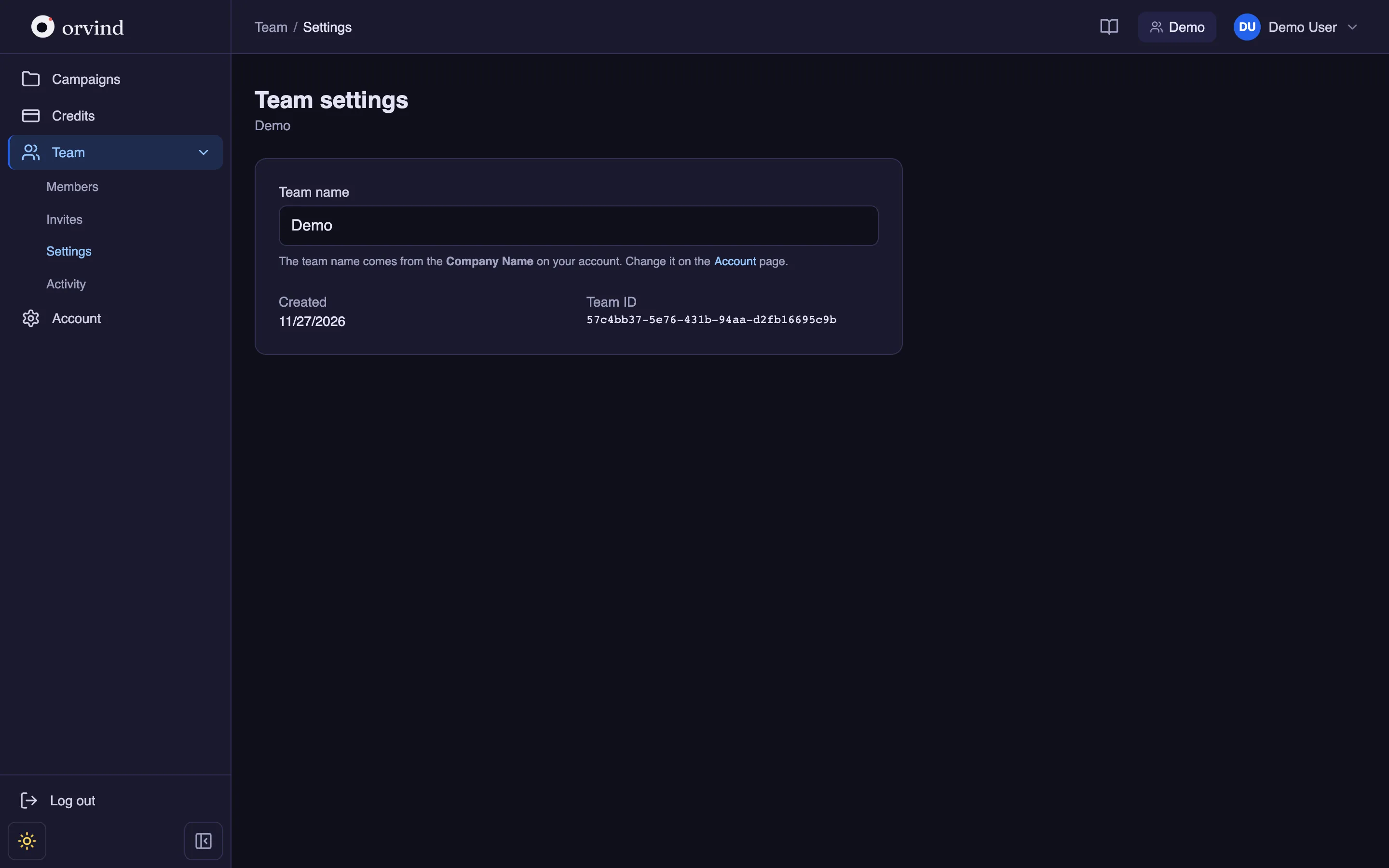
The page shows three things:
| Field | Notes |
|---|---|
| Team name | Read-only here. It comes from the Company Name on your Account page. |
| Created | The date the team was created. |
| Team ID | Your team’s ID. Orvind support may ask for it. |